🔒 Starter or Pro plan required
Generate And Offer Coupon Codes To Reviewers
Starter or Pro plan required
Upgrade your plan to access this feature.
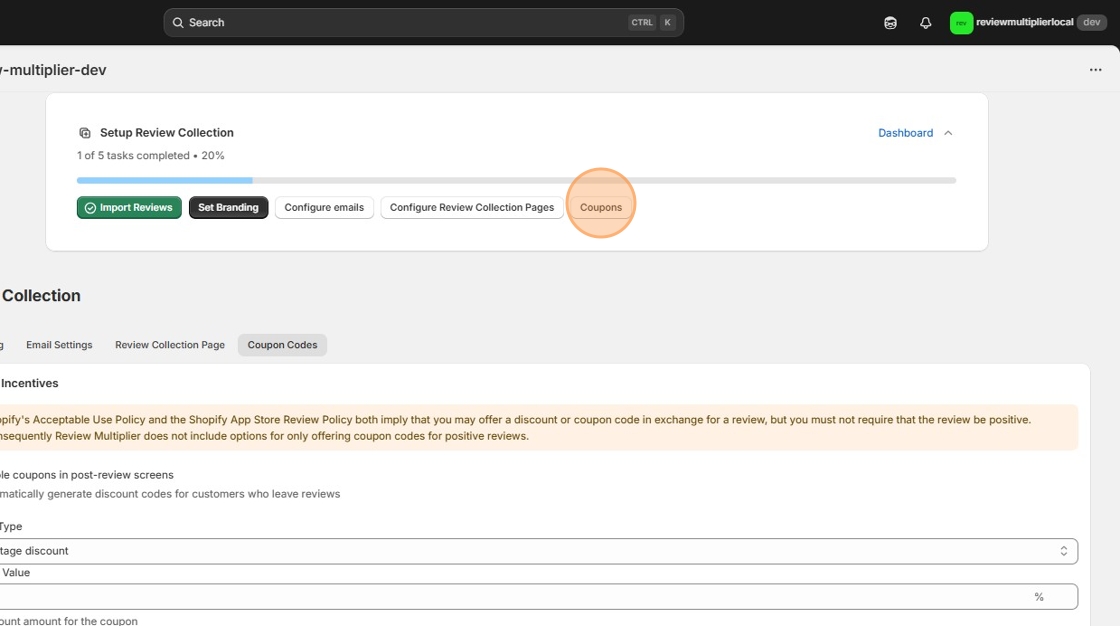
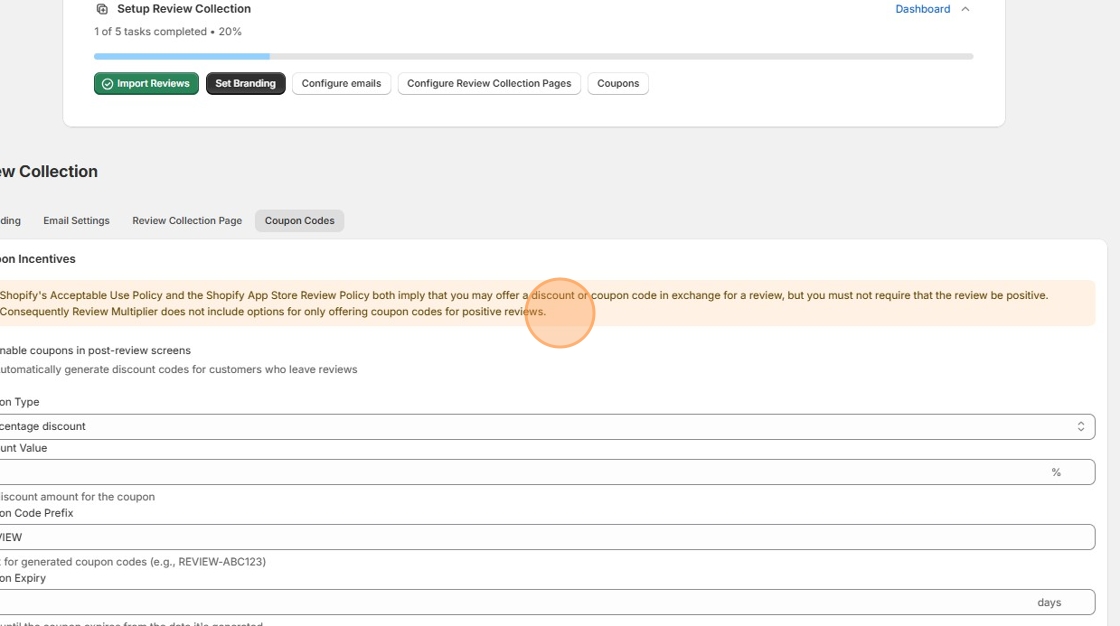
1. To set the coupon options either click the "Coupons" button in the onboarding banner
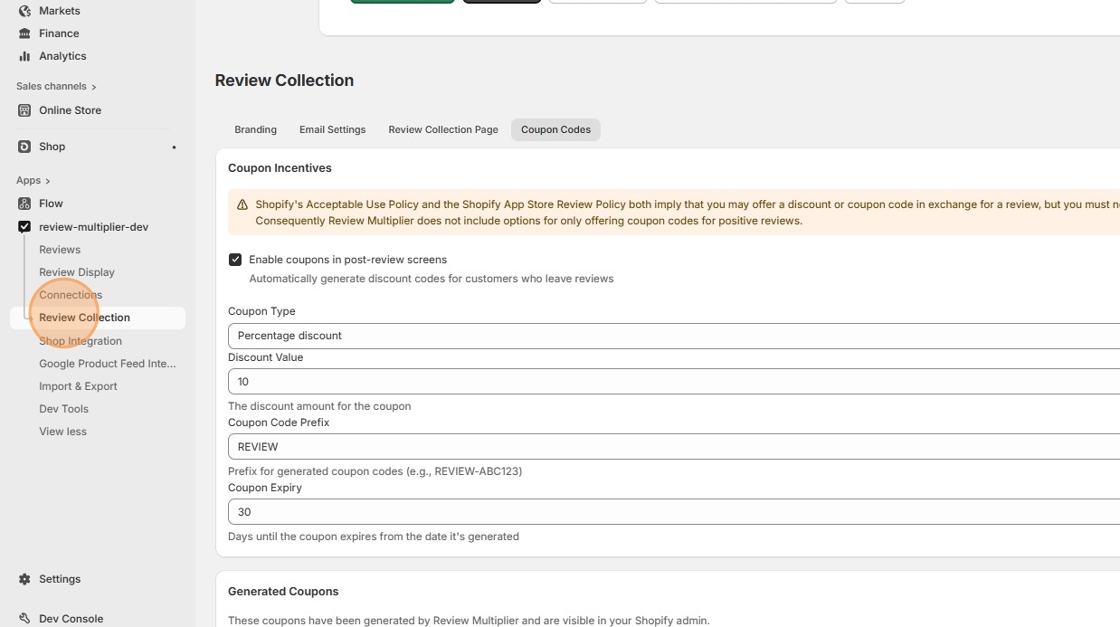
2. Or else click the "Review Collection" navigation menu item
3. Then click the "Coupon Codes" settings tab
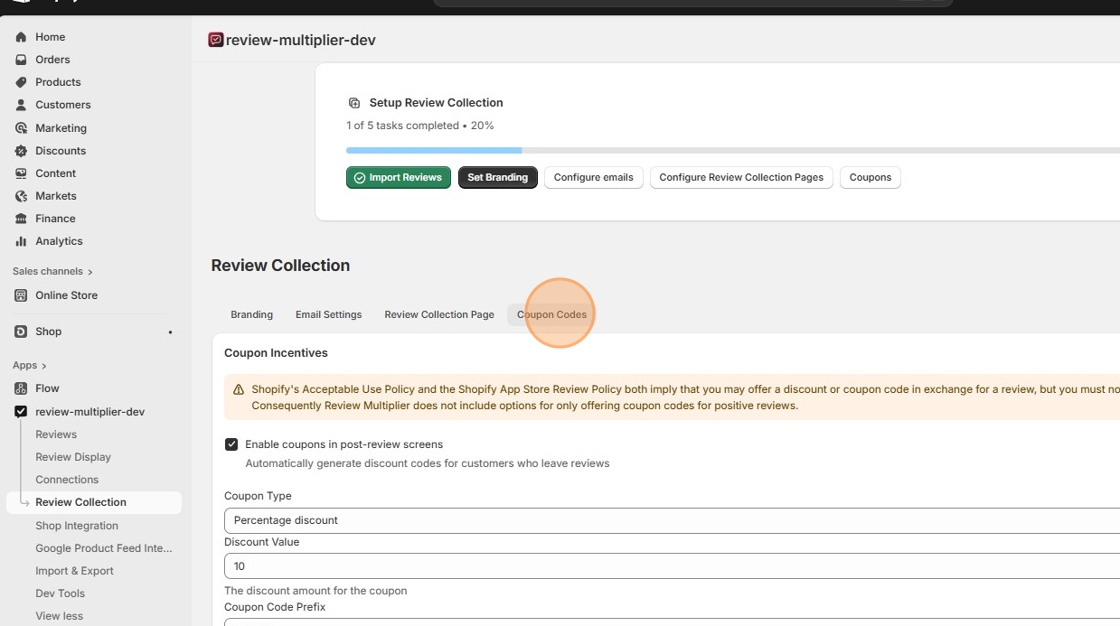
4. Note the text that "Shopify's Acceptable Use Policy and the Shopify App Store Review Policy both imply that you may offer a discount or coupon code in exchange for ..."
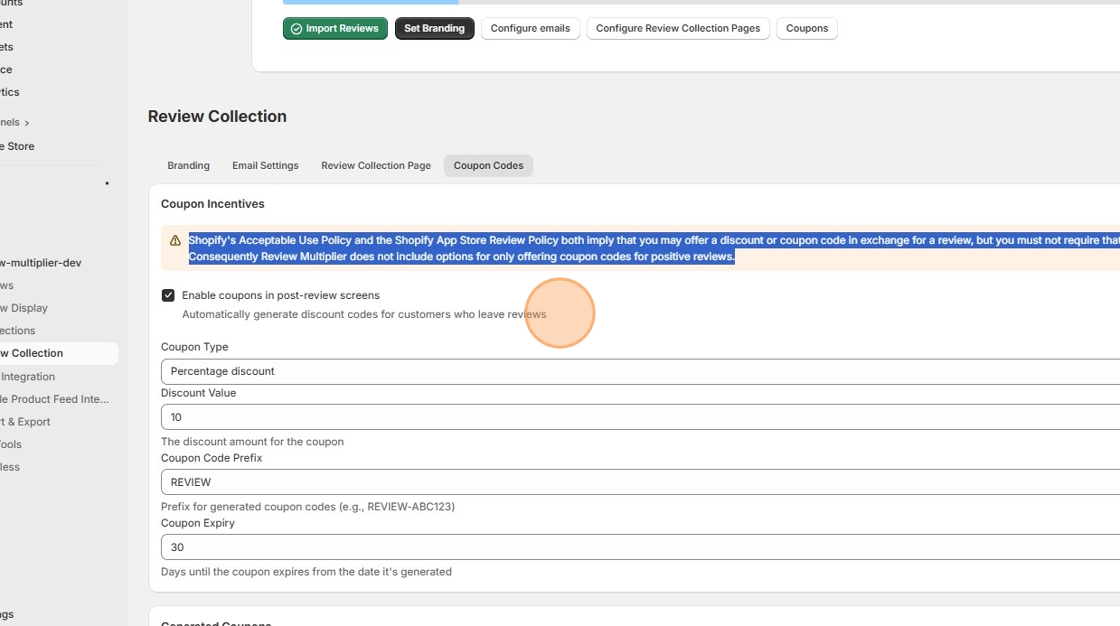
5. By default "Automatically generate discount codes for customers who leave reviews" will be set to ON.
6. Optionally, change the "Discount Value" field or "Coupon Expiry" fields
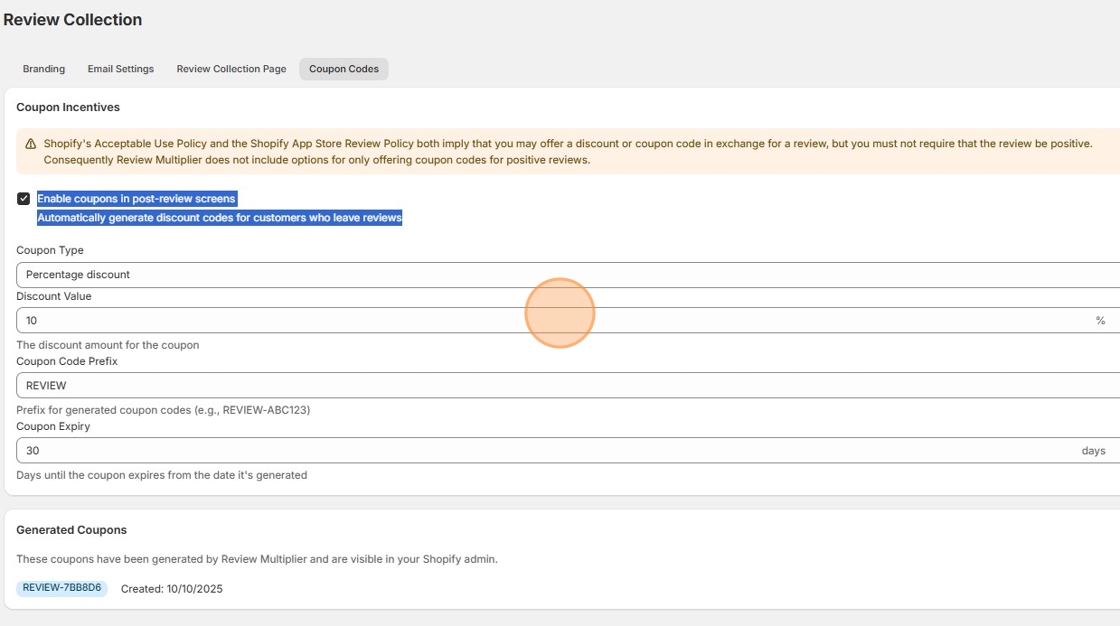
7. Once a customer has left a review, the created coupon (based on the pattern you defined) will be displayed at the bottom of the page.
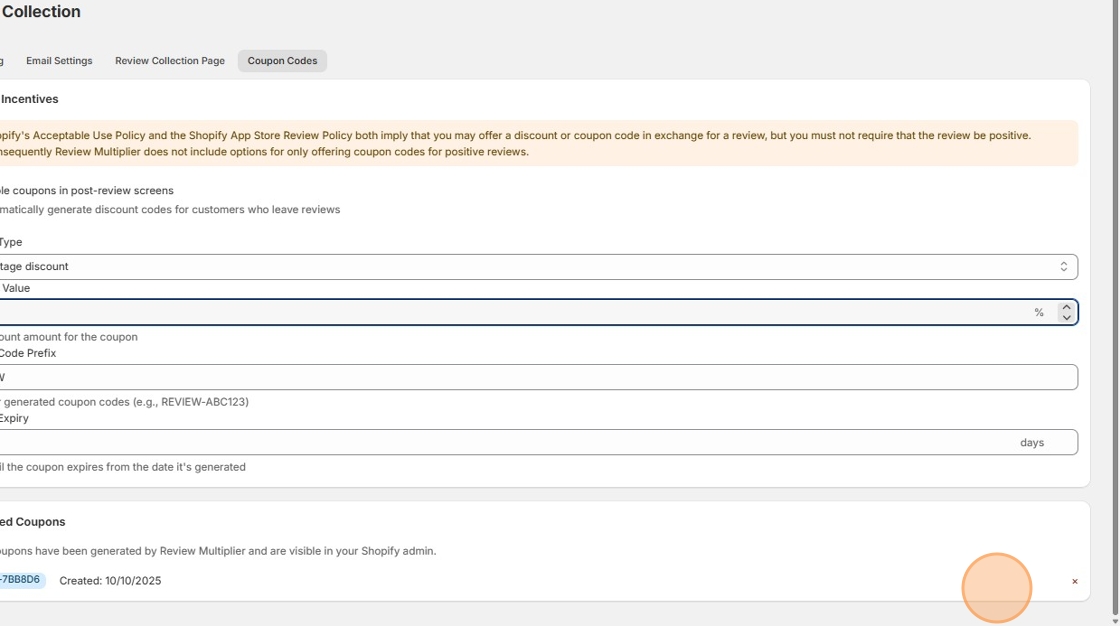
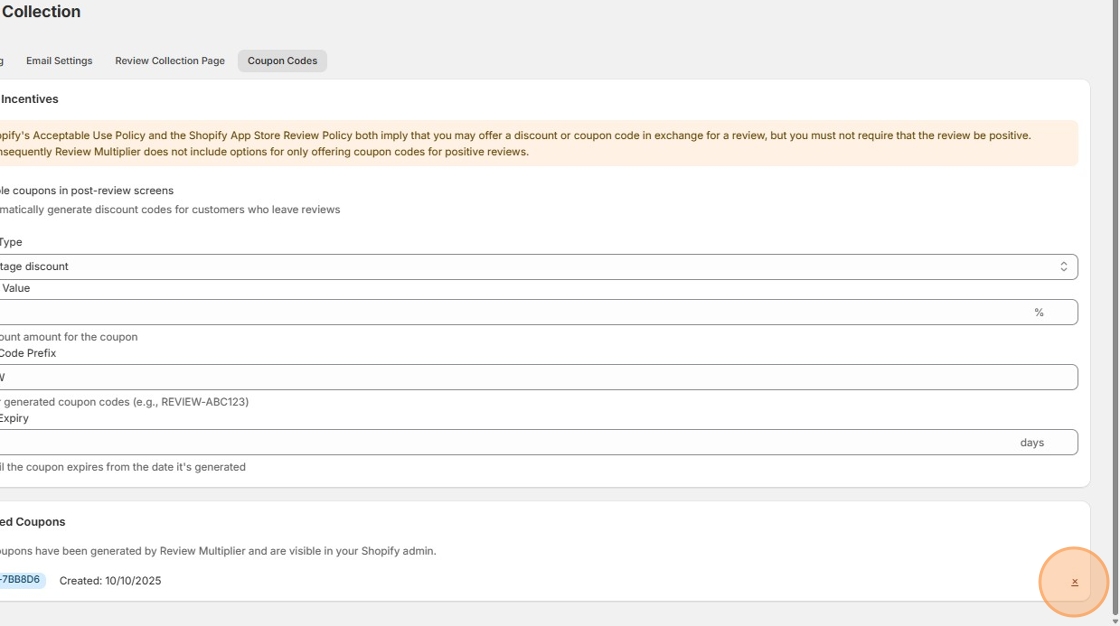
8. You can delete any of the generated codes if you need to. Click "X":
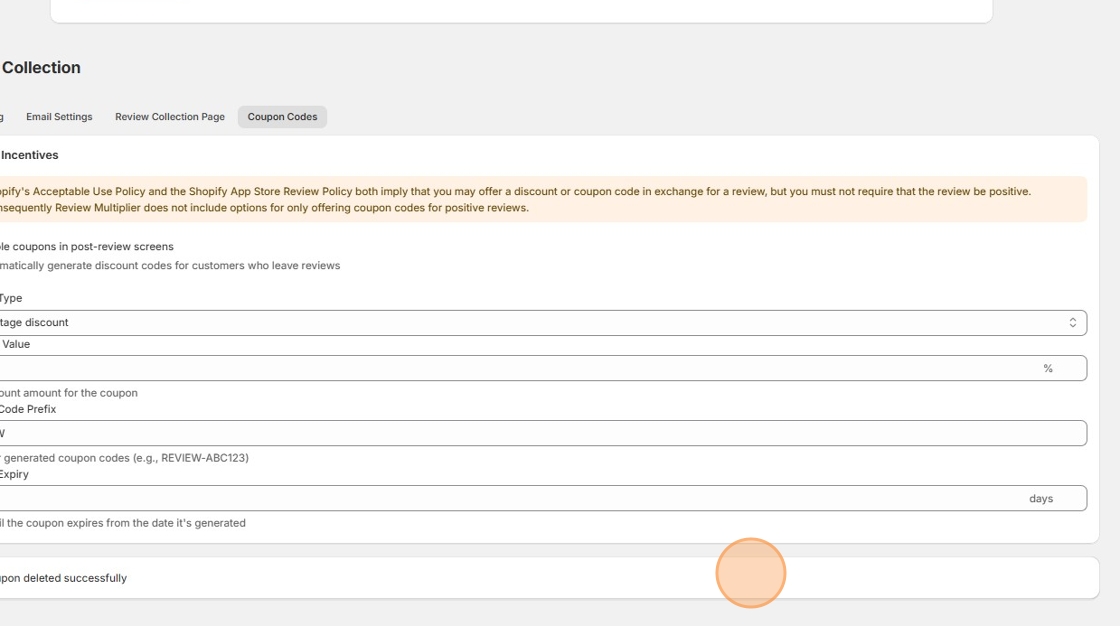
9. "Coupon deleted successfully"