Import Reviews From Another App Or From A Reviews Platform Site Using a Comma-Separated Variable (CSV) File
📋Prerequisites
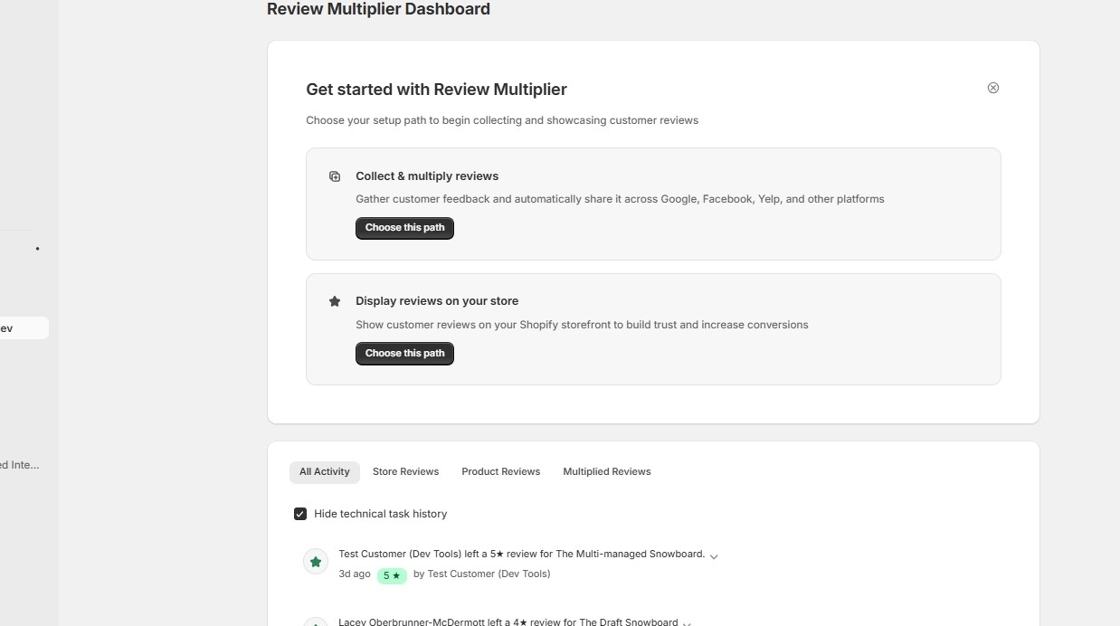
1. Start on the app homepage
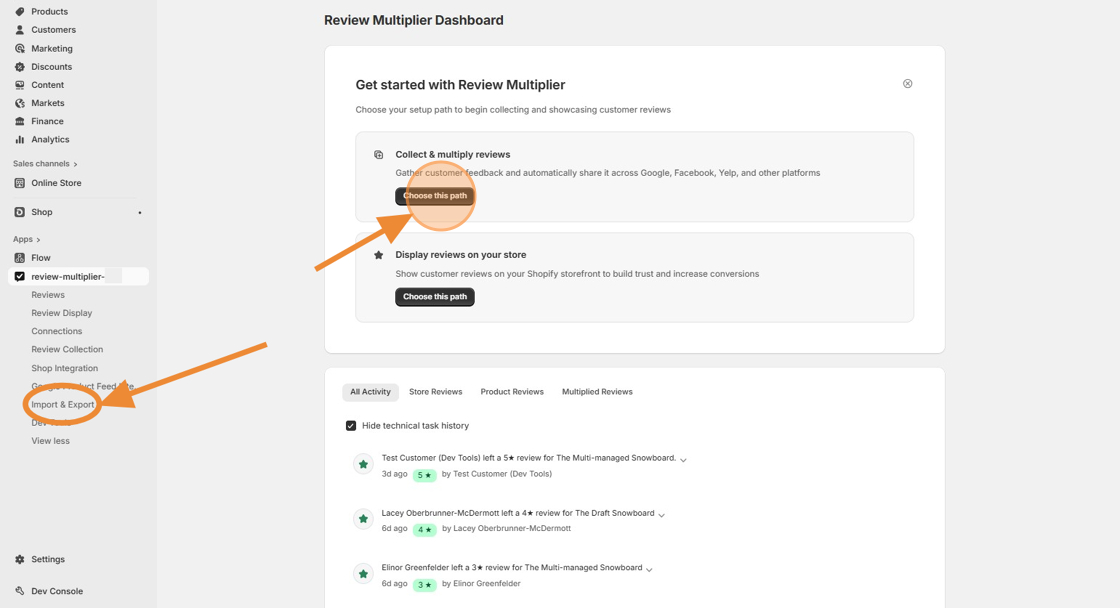
2. Click "Choose this path" or else click the "Import & Export" navigation menu link directly and skip to Step 5.
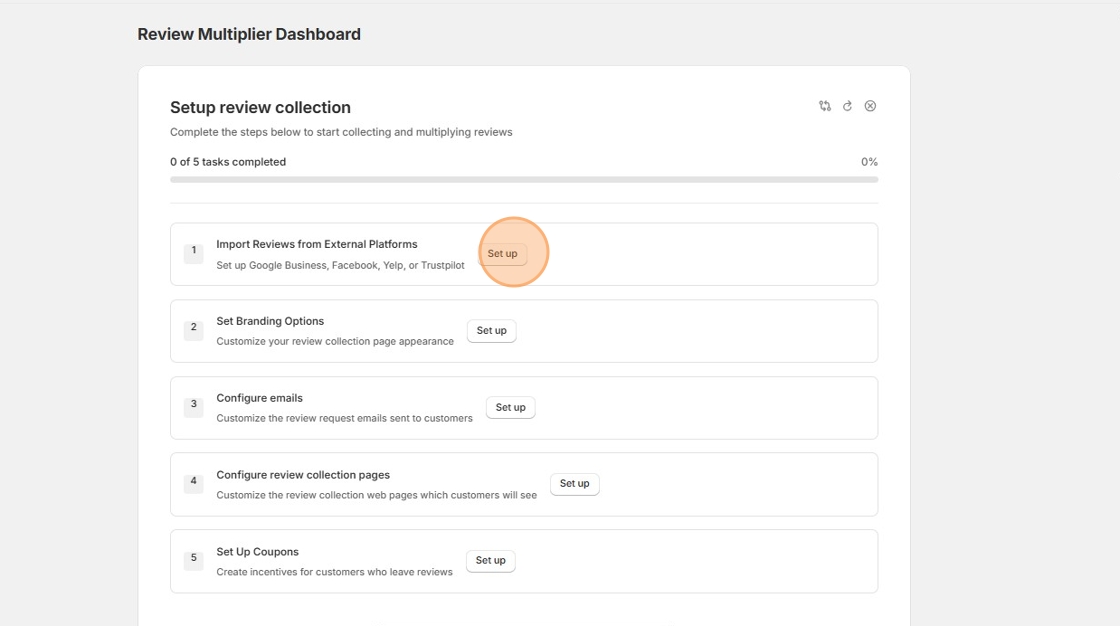
3. If going the onboarding wizard route, next, click "Set up"
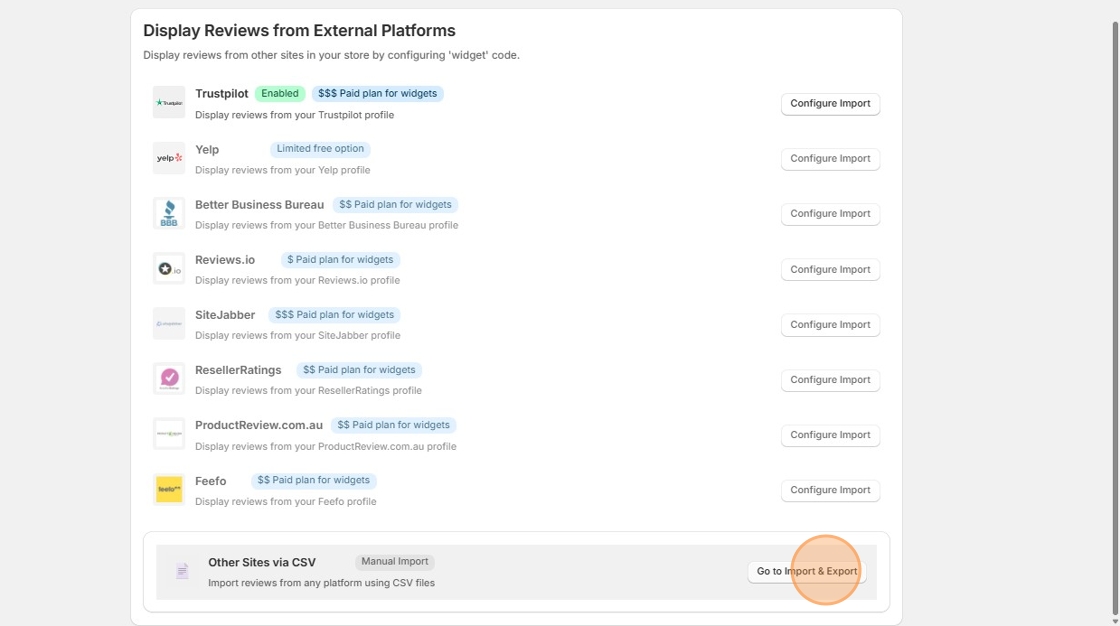
4. Then scroll down and click "Go to Import & Export"
📋 Free: 100 reviews one-time | Starter: Unlimited | Pro: Unlimited
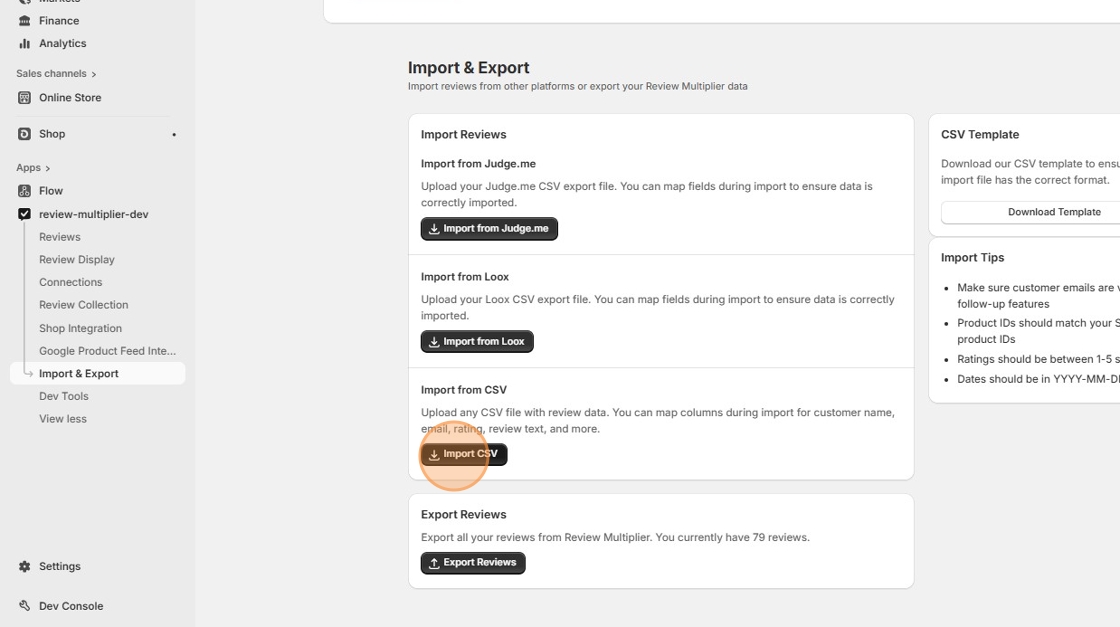
5. Now you are on the Import & Export page. Click "Import CSV"
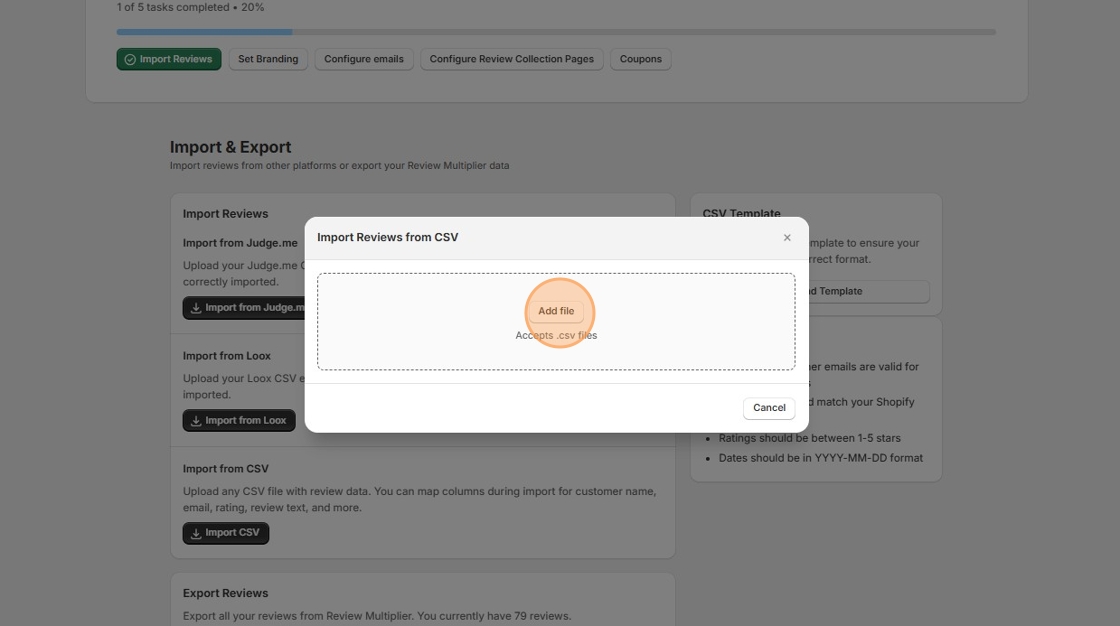
6. Click "Add file"
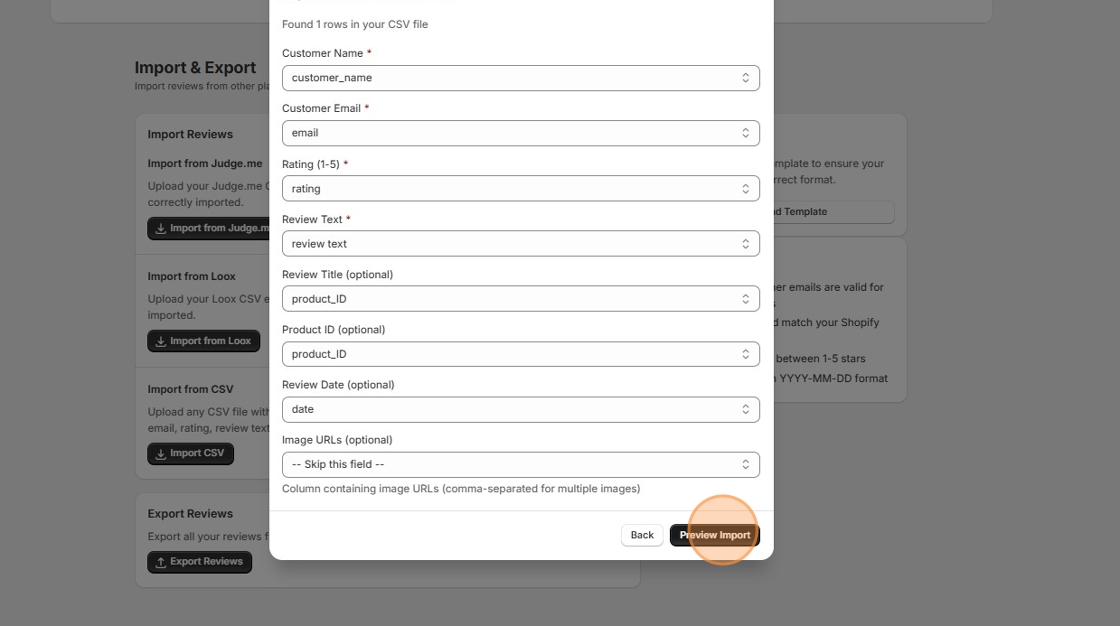
7. Adjust the field mapping as necessary, then click "Preview Import"
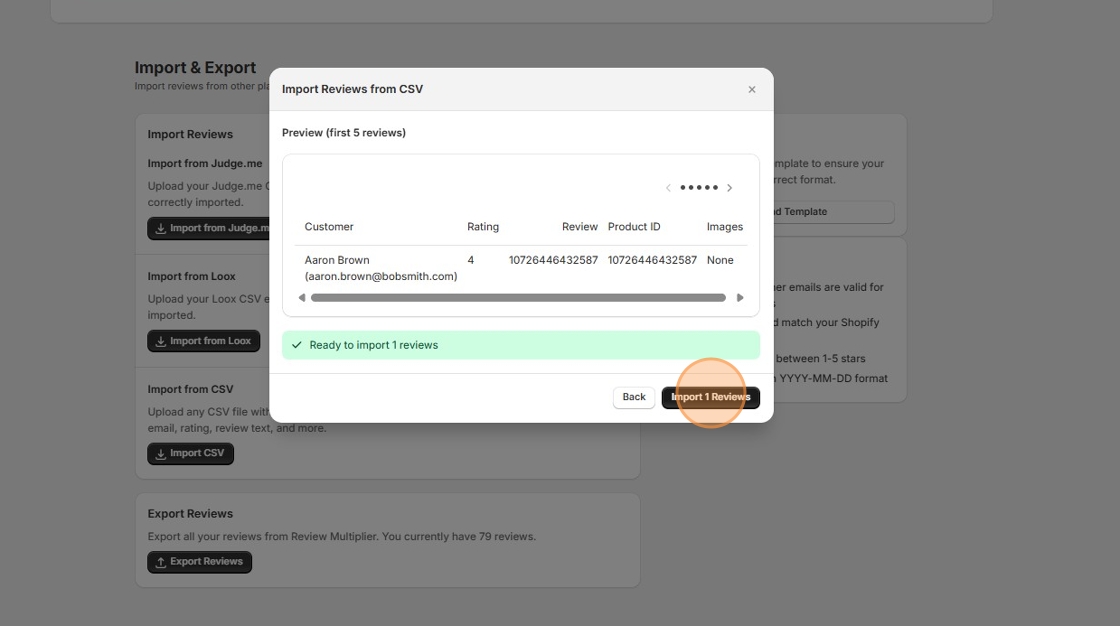
8. Click "Import Reviews"